
How to Watch Romanian TV in Spain on Any Device
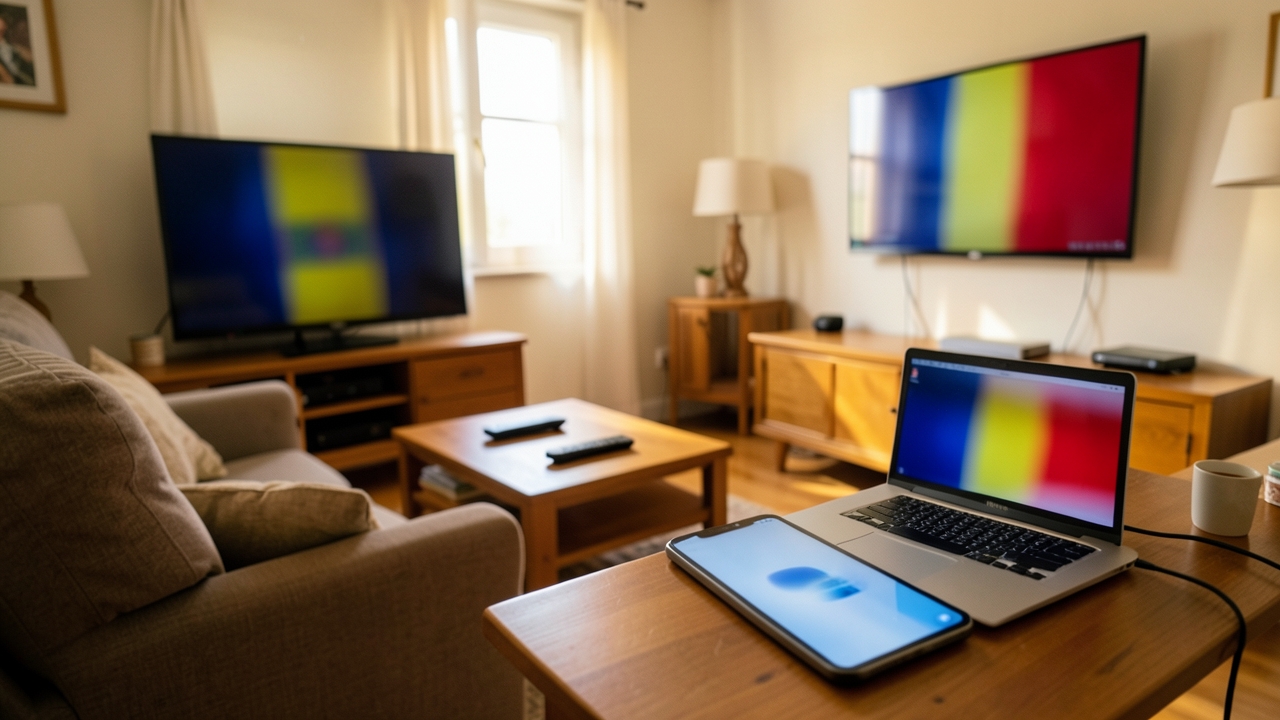
To watch Romanian TV in Spain you need a stable internet connection and an IPTV subscription that carries Romanian news, sport, film and kids channels. You install an IPTV player app on your Smart TV, Fire TV Stick, phone or laptop, enter the login details that arrive on WhatsApp, and your channel list is ready in a few minutes. This guide covers the setup on each device, the settings that matter when you live in Spain, and the fixes for the problems people run into most often.
What you need before you start
Setup is quick, but it helps to have everything in one place before you begin. None of it requires technical experience — if you can install an app from your television’s store, you can do this yourself.
- A stable home connection. Fibre or a solid ADSL line is fine. Wired Ethernet or the 5 GHz Wi-Fi band gives the smoothest picture, especially in the evening.
- A device. A Smart TV, Fire TV Stick, Android TV box, phone, tablet, computer or MAG box.
- An IPTV player app for that device, installed from the official app store.
- Your login details, sent on WhatsApp after you order: an M3U playlist link, an Xtream Codes username and password, or a MAG portal address, depending on what you watch on.
One subscription covers one connection at a time. If two people in the flat want to watch different things at the same moment, you need two connections — more on that in the FAQ below.
How to watch Romanian TV in Spain on a Smart TV
Most Romanian families in Spain watch on the living-room television, and a Samsung, LG or Android TV / Google TV set handles it well. The steps are the same everywhere; only the app names and menu labels change between versions.
- Open your TV’s app store and install a well-rated IPTV player app.
- Launch the app and look for an option such as “add playlist”, “add profile” or “add content source”.
- Choose the M3U/URL option and type the playlist link exactly as you received it, or choose Xtream Codes and enter the username, password and server address.
- Give the profile a name, save it, and wait while the app downloads the channel list — usually a minute or two.
- Open the list, check that the groups (news, sport, film, kids, music, documentary) load, and save your favourites to a short list so you are not scrolling through thousands of entries every evening.
Samsung and LG
On Tizen and webOS, apps come from the TV’s own store and every character has to be typed with the remote, which is the slowest part of the job. Many players let you enter the link from your phone or computer using a short code shown on screen — use that if the link is long. Menu wording differs between app versions, so look for the function (playlist, profile, source) rather than an exact label.
Android TV and Google TV
These sets behave like a phone: install the player from the Play Store and sign in with your Google account. Some players also restore a profile from a code or backup file, which saves retyping if you later add a second television in the bedroom.
Fire TV Stick, phones, laptops and MAG boxes
Amazon Fire TV Stick
The Fire TV Stick is the cheapest way to turn an older television into a Romanian TV set, and it is ideal for a rented flat where you cannot change the TV. Install the player from the Amazon app store, or sideload it if it is not listed, then add your playlist exactly as on a Smart TV. A stick with a wired network adapter is worth the small extra cost if your router sits far from the sofa.
Android phones, iPhones, tablets and computers
On Android and iOS, install the player from the Play Store or App Store, paste the M3U link or the Xtream Codes details, and you can watch on mobile data when you are out. On Windows and Mac a desktop player takes the same M3U link, which is handy for following a match while you work at the kitchen table.
MAG boxes
If you already own a MAG box, ask for the MAG portal option when you order and you will receive a portal address instead of a playlist. Enter it in the box’s settings, reboot, and the portal loads with the full channel list.
Which device fits your home in Spain
| Device | Setup time | Best for | Watch out for |
|---|---|---|---|
| Smart TV (Samsung, LG, Android TV) | About 10 minutes | The living room, no extra hardware | Typing on the remote is slow |
| Fire TV Stick | About 10 minutes | Older TVs and rented flats | Needs a free HDMI port |
| Android TV box | About 15 minutes | More storage and settings | More options to learn |
| Phone or tablet | About 5 minutes | Watching away from home | Uses your mobile data |
| Windows or Mac | About 5 minutes | Sport at the desk | Not a living-room solution |
| MAG box | About 10 minutes | People who already own one | Portal setup only |
Romanian TV hours in Spain
Romania is one hour ahead of Spain all year round, so a news bulletin that starts at 20:00 in Bucharest begins at 19:00 in Madrid, Barcelona or Valencia. Evening matches, debates and talk shows shift by the same hour, which is convenient: Romanian prime time lands early enough for a normal Spanish dinner. Morning cartoons for the children arrive an hour later than the grandparents back home would expect, so warn them before they call to ask why the little one is still asleep.
And when live television has nothing for you, the on-demand side fills the gap. With 25,000+ live channels and 26,000+ films and series in the library, a quiet Sunday afternoon is rarely a problem.
Fixing the usual problems
Most complaints that come from Spain turn out to be about the home network rather than the service. Work through these in order before you assume something is broken.
- Buffering in the evening. Spanish fibre is fast, but Wi-Fi in a flat with thick walls can struggle at peak time. Try a wired connection or move the router, then restart the app.
- The channel list will not load. Re-check the playlist link character by character — WhatsApp sometimes breaks a long link across two lines. Type it again rather than pasting the same broken text.
- Login rejected. Check that nobody else is already watching on the same subscription; one connection means one stream at a time.
- Picture fine, sound out of sync. Close other apps running in the background and restart the device, not just the app.
- Menus look different from a guide. Player apps update often. Look for the same function under a slightly different name, or ask the support team on WhatsApp to walk you through the version you have.
Which subscription makes sense from Spain
Prices are in euros, so there is no currency conversion and no surprise on your card statement. A 1-month plan at €10.99 is the sensible first step: you test the picture on your own line, in your own building, during your own busy evening hours. If it holds up, the 12-month plan at €59.99 works out far cheaper month by month and is the option most people settle on. Shorter and longer terms are listed on the pricing page, together with lifetime plans from €289 for one device up to €797 for five, which suit a household with several televisions and phones.
Frequently asked questions
Can I watch Romanian TV in Spain on two televisions at the same time?
Not on a single standard subscription, which covers one connection. For a second simultaneous stream you can add another subscription or choose a lifetime plan that covers two or more devices. For most couples, one television plus a phone is enough.
Do I need a special box or a Romanian internet contract?
No. Any ordinary Spanish connection works, and the app runs on hardware you probably already own. If your television is older and not smart, a Fire TV Stick or an Android box does the job for very little money.
How fast does my internet need to be?
Channels come in HD and Full HD, with 4K where the source provides it, and they stream comfortably on a normal Spanish fibre line. Stability matters more than headline speed: a wired connection or a clean 5 GHz Wi-Fi signal prevents more buffering than a bigger tariff does.
How soon do I get the login details?
Right after you order, the details and the setup steps arrive on WhatsApp, where support is available 24/7. If you want to ask questions first, message the same number for a free trial or advice on which device to use — or reach the team through the contact page.
What kind of Romanian channels will I find?
News and current affairs, sport, film and series, kids’ programming, music and documentaries, plus general entertainment channels. The mix is broad enough that each member of the family usually finds a favourite group within the first evening.
Get set up this week
Watching Romanian TV in Spain comes down to one app, one login and a decent Wi-Fi signal — an evening’s work, done once. Start with the 1-month plan to test your own connection, then move to the yearly option once you are happy. Message +44 7956 154482 on WhatsApp for a free trial or setup help, and check the plans and prices before you decide.